T-Shirt Order Form Template (Free & Customizable)
September 7, 2026
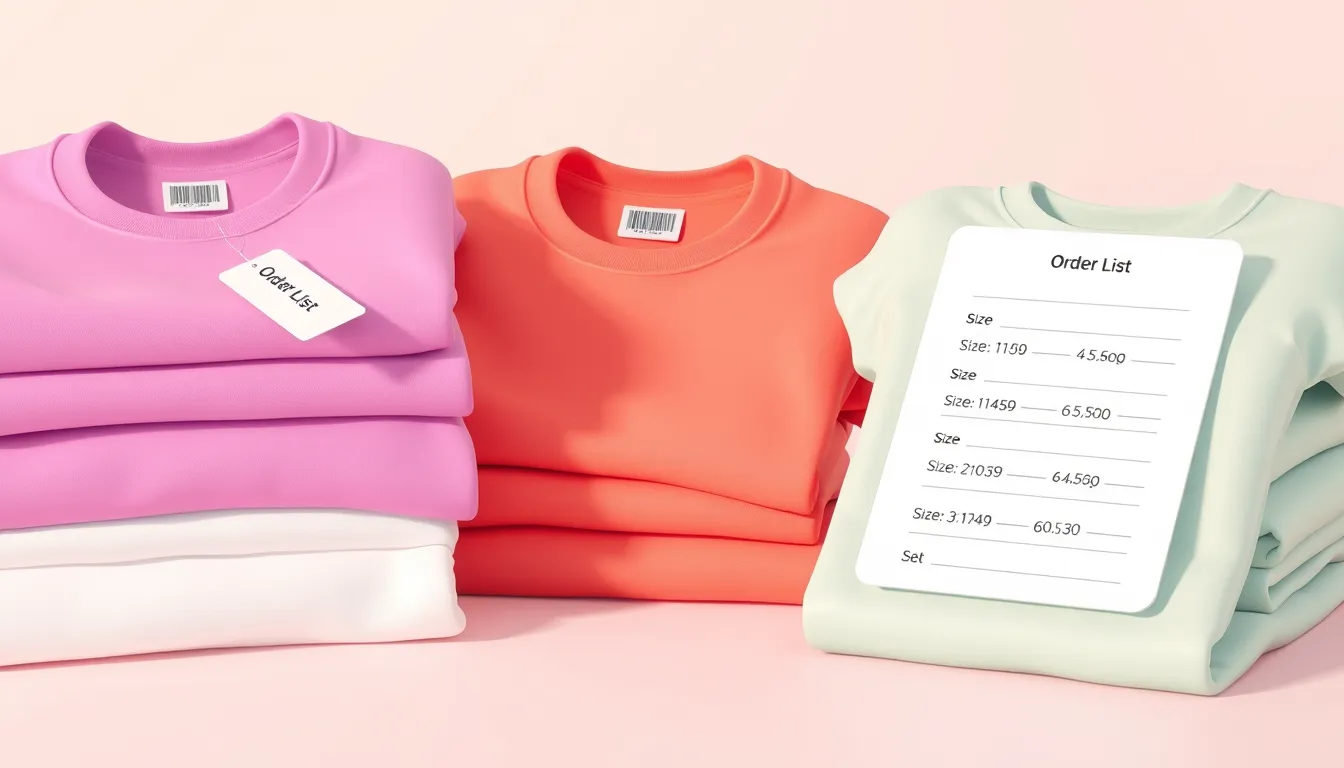
Collecting apparel orders by text and spreadsheet turns into a headache fast — missed sizes, unclear quantities, and no easy total. A t-shirt order form template fixes that: everyone picks their size, color, and quantity in one place, and you get a clean, addable list. Whether you are running a team order, a fundraiser, or a custom print shop, this guide gives you a ready-to-use t-shirt order form and tips to keep orders accurate.
What a t-shirt order form collects
- Name — short text — required
- Email — email — required — for confirmation and pickup details
- Phone — phone — optional
- Design or product — dropdown — required — if you offer more than one
- Size — dropdown — required — XS through 5XL, list only what you stock
- Color — dropdown — optional — your available colors
- Quantity — number — required — set a minimum and maximum
- Add-ons — checkboxes — optional — names, numbers, or extra prints
- Delivery or pickup — radio — required
- Notes — long text — optional
Create your t-shirt order form free with FormMaker
Three versions to copy
Group / team order
For a sports team, class, or company order, keep it simple: name, size, color, and quantity. Route responses to a spreadsheet so you can tally sizes at a glance before you place the bulk print order.
Custom / made-to-order
For personalized shirts, add fields for the name or number to print, a design choice, and a file-upload for a logo or artwork. A long-text field lets customers describe exactly what they want.
Fundraiser / pre-sale
Selling shirts to fund a cause? Add quantity, show the price per shirt, and collect delivery preference. Set a deadline so you know your total order before printing.
Tips for accurate apparel orders
- Use a size chart. Link or show measurements so people order the right fit and you get fewer exchanges.
- List only what you offer. Put real sizes and colors in dropdowns instead of free text to avoid impossible orders.
- Set quantity limits. A number field with a max prevents accidental huge orders.
- Total it up. Send orders to a Google Sheet to sum quantities by size automatically.
- Set a deadline. Close the form on your order-by date so nothing sneaks in after you print.
Build your t-shirt order form in minutes
In FormMaker, add dropdowns for size and color, a number field for quantity, and a delivery-or-pickup choice. Use conditional logic to show a shipping address only for delivery. Publish it, share the link with your group or embed it on your store page, and watch orders land in your dashboard — ready to export and total before you send everything to print.
Build your t-shirt order form free with FormMaker
FAQ
How do I total up sizes for a bulk order?
Connect your form to a Google Sheet and every order becomes a row. Use a quick pivot or SUM to tally quantities per size before you place the print order.
Can customers order more than one shirt?
Yes. Use a quantity number field, or add multiple size rows for people ordering a mix of sizes in one submission.
Can I collect payment on the order form?
Collect the order on the form and handle payment your way — a payment link, invoice, or payment at pickup. Note the payment reference on each order.
How do I stop orders after a deadline?
Set the form to close on your order-by date, so late entries do not sneak into a print run you have already sent off.
Build your first form free
Drag, drop, publish. No credit card, unlimited submissions.