Purchase Order Form Template (Free Download)
September 7, 2026
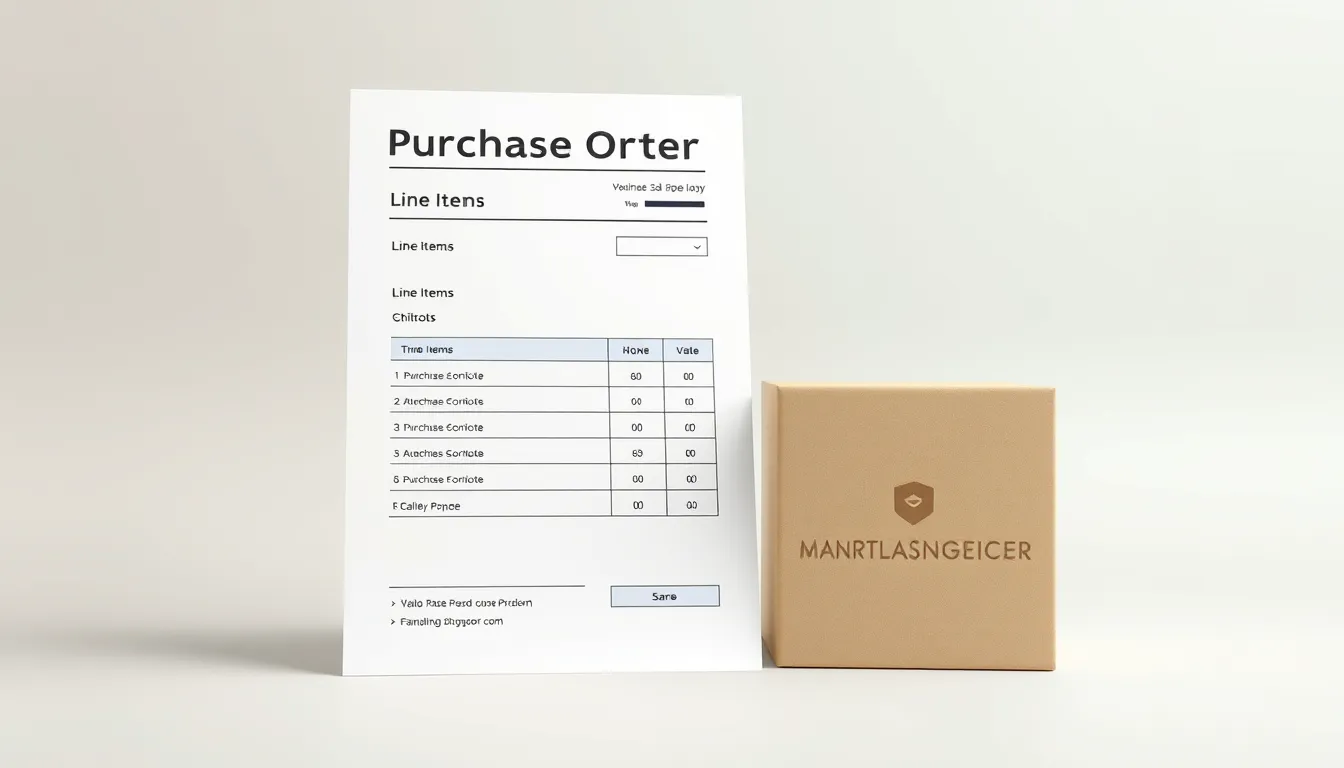
A purchase order form template turns scattered purchasing requests into a clean, trackable process. Instead of ad-hoc emails and forgotten approvals, every request follows the same structure, gets the right sign-off, and leaves a record. This guide gives you a ready-to-use purchase order form and tips to keep spending organized.
What a purchase order form collects
- PO number — short text — auto or manual — required
- Date — date — required
- Requester name — short text — required
- Department — dropdown — required
- Vendor / supplier — short text — required
- Line items — repeatable rows — required — description, quantity, unit price
- Subtotal, tax, shipping — number — calculated or entered
- Total — number — required
- Delivery date needed — date — optional
- Delivery address — address — required
- Approval — signature or approver dropdown — required
- Notes — long text — optional
Create your purchase order form free with FormMaker
Why standardize purchase orders
- Control spend. A required approval step means nothing gets ordered without sign-off.
- Prevent errors. Structured line items with quantity and unit price reduce mistakes and disputes.
- Create a paper trail. Every PO is dated, numbered, and searchable, which helps with budgeting and audits.
- Speed things up. A standard form is faster to complete and approve than a back-and-forth email chain.
Best practices
- Number every PO. Sequential or dated numbers make POs easy to reference and reconcile against invoices.
- Require line-item detail. Description, quantity, and unit price per line prevent vague requests.
- Build in approval. Route larger requests to the right approver before the order goes out.
- Match to invoices. Keep POs in a spreadsheet so you can reconcile them against supplier invoices.
- Set delivery expectations. A needed-by date and delivery address keep fulfillment on track.
Approval routing
The value of a digital PO is the workflow around it. Route submissions to the right approver by department or amount, notify them automatically, and record their sign-off. Bigger requests can require an extra layer of approval while small ones move quickly.
Build your purchase order form in minutes
In FormMaker, add fields for the requester, vendor, and line items, plus a total and an approval step. Publish it and share a private link with your team, so every purchase request follows the same path. POs land in your dashboard and can flow to a spreadsheet or Slack for approval and record-keeping.
Build your purchase order form free with FormMaker
FAQ
What is the difference between a purchase order and an invoice?
A purchase order is the buyer's request to order goods or services at agreed terms. An invoice is the seller's request for payment after delivery. The PO comes first and the invoice references it.
How do I number purchase orders?
Use a sequential or date-based numbering scheme so each PO is unique and easy to reference. Storing POs in a spreadsheet makes numbering and reconciliation simple.
Can I add approvals to a purchase order form?
Yes. Route submissions to an approver and record their sign-off, and require an extra approval layer for larger amounts.
How do I track spending?
Send every PO to a spreadsheet where you can total spend by department, vendor, or period, and reconcile against invoices.
Build your first form free
Drag, drop, publish. No credit card, unlimited submissions.