Free Sign-Up Sheet Template (5 Examples to Copy)
September 7, 2026
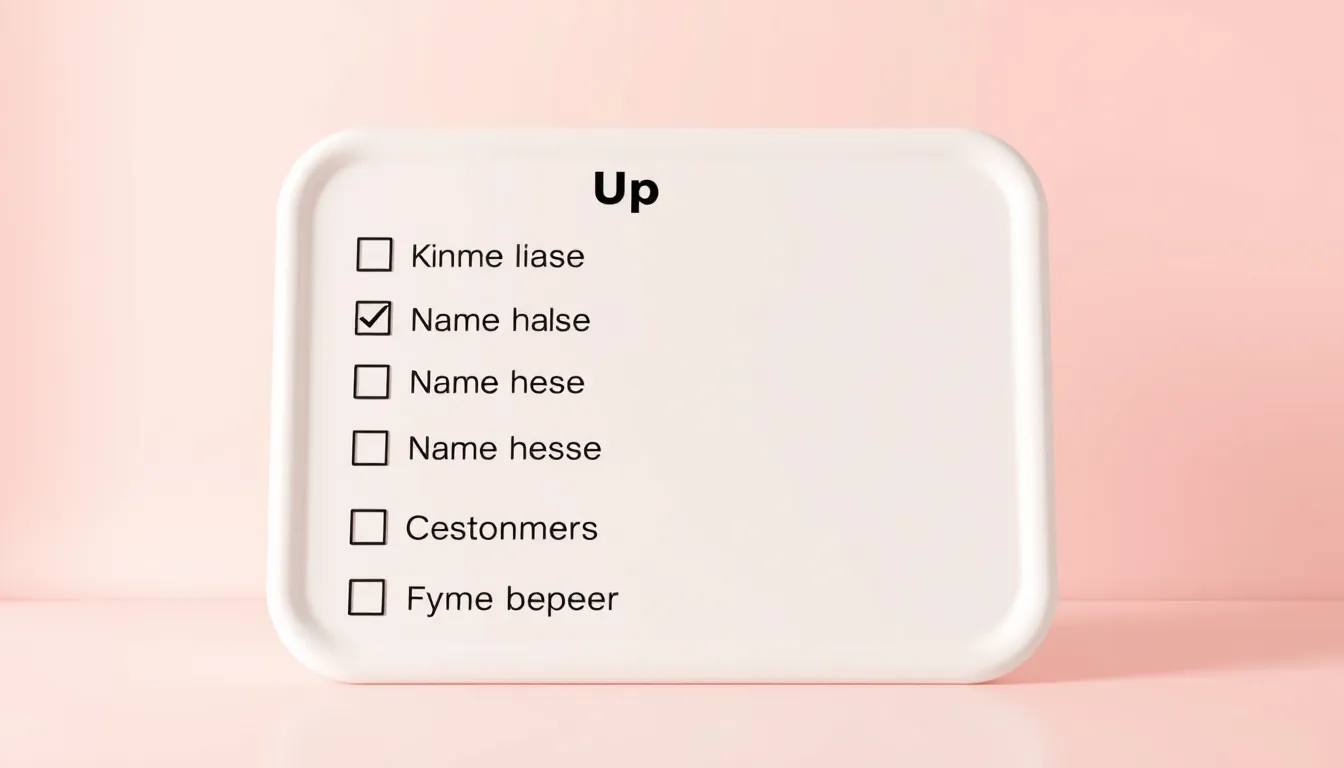
A paper sign-up sheet template works until it gets lost, filled with unreadable handwriting, or left at the venue when you need the list. An online sign-up sheet fixes all of that: people add their name from any phone, you see the list update in real time, and you can cap spots so you never overbook. This guide gives you a ready-to-use sign-up sheet template, five examples for common situations, and tips to collect responses without chasing anyone.
What a sign-up sheet collects
At its core, a sign-up sheet answers one question: who is doing what, and when. Keep it short so people sign up in seconds.
- Name — short text — required
- Email — email — required — so you can send reminders
- Phone — phone — optional — for last-minute changes
- Slot or role — dropdown — required — the shift, item, or session they pick
- Notes — long text — optional — dietary needs, questions, or a plus-one
That is the whole form for most situations. Add fields only when you truly need them.
Create your sign-up sheet free with FormMaker
Five sign-up sheet examples
1. Volunteer sign-up sheet
List each shift as an option and cap the number of spots per shift so you fill every slot evenly. Ask for name, email, phone, and the shift they want.
2. Event sign-up sheet
For a class, workshop, or meetup, collect name, email, and the session or date. Turn on a submission limit so registration closes automatically when you hit capacity.
3. Potluck sign-up sheet
Add a dropdown of categories — appetizer, main, dessert, drinks — and a short-text field for the specific dish. Everyone can see what is already covered if you show a live results view.
4. Parent or classroom sign-up sheet
Collect parent name, student name, and the slot for conferences, snack duty, or chaperoning. A date-and-time field keeps everything organized.
5. Shift or schedule sign-up sheet
For teams, list each open shift and let people claim one. Route submissions to a Google Sheet so your schedule updates itself.
Why an online sign-up sheet beats paper
- No double-booking. Set a limit per slot and the form stops taking sign-ups once it is full.
- Automatic reminders. With an email on file, you can nudge people the day before.
- One source of truth. Everyone signs the same live list, so there are no duplicate or lost pages.
- Works on any phone. Share a link or QR code and people sign up wherever they are.
Best practices
- Keep it to three or four fields so signing up feels instant.
- Name your slots clearly — "Saturday 9–11am setup" beats "Shift A."
- Show a confirmation message so people know their spot is saved.
- Share the link in the same place people already gather: a group chat, email, or flyer with a QR code.
Build your sign-up sheet in minutes
In FormMaker, drop in a name field, an email field, and a dropdown of your slots, then set a limit on each option so spots close automatically. Publish it, then share the link or embed it on your page. Every sign-up lands in your dashboard, and you can push the list to Google Sheets or Slack so it stays up to date without any manual work.
Build your sign-up sheet free with FormMaker
FAQ
How do I limit the number of sign-ups per slot?
Use a dropdown of slots and set a maximum on each option. When a slot fills, the form stops offering it, so you never overbook.
Can people see who has already signed up?
You can turn on a live results view if you want a public list, or keep responses private and only visible to you in the dashboard.
How do I share a sign-up sheet?
Share the form link by email, chat, or social, or generate a QR code for a printed flyer. No account is needed for people to sign up.
Can I collect responses in a spreadsheet?
Yes. Connect a Google Sheet and every sign-up is added as a new row automatically, so your list is always current.
Build your first form free
Drag, drop, publish. No credit card, unlimited submissions.